In the ever-evolving landscape of e-commerce, mastering the art of presenting your specific products effectively is crucial. For WooCommerce owners, variable products offer a powerful way to showcase variations of a product on one product page, enhancing the customer experience and potentially boosting sales. This guide will delve into the best practices for setting up variable products with WooCommerce in 2025, ensuring your online store is optimized for success.
Understanding Variable Products in WooCommerce
To effectively set up variable products in WooCommerce for 2025, you need to create a WooCommerce variable product plugin that allows you to manage different variations of product seamlessly. This involves creating a new product with multiple variations, which can be done by setting up new attributes that define the options for WooCommerce. By using variation swatches for WooCommerce, customers can easily select variations on a product from the catalog. WooCommerce allows you to create variations from all attributes, enabling you to offer extra product options without the need to create separate products for each variation.
What is a Variable Product?
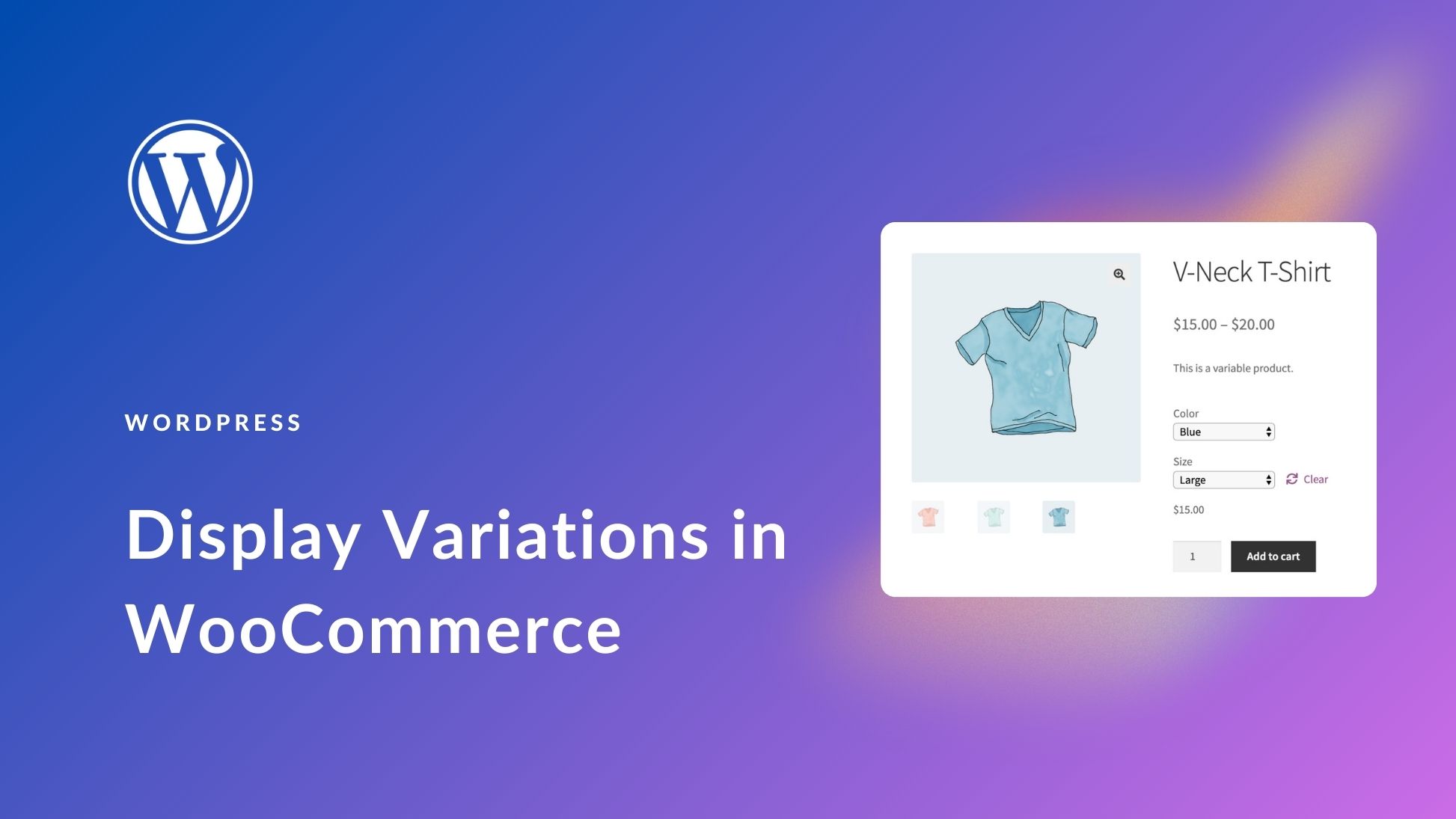
A variable products in WooCommerce is a product type that allows you to offer variations of a single product, such as different sizes, colors, or materials, all on the same page, also looking for a Dropshipping Private Agent. Instead of listing each product variation as a separate simple product, you can manage all variations of product within a single product listing. This not only simplifies product management but also provides a cleaner, more user-friendly experience for your customers. When you add variable product, you’re essentially creating a main product with various product options presented as variations.
Benefits of Using Variable Products
Implementing variable products in your store offers numerous benefits. In particular, consolidating variations of product into one page brings several advantages:
You streamline the customer’s browsing experience, making it easier for them to find exactly what they are looking for.
Variable products also simplify inventory management, as you can track stock levels for each product variation individually.
This improved user experience can lead to higher conversion rates and increased customer satisfaction. Furthermore, they enhance the aesthetic appeal of your Woo-Commerce store by presenting product options in a more organized and visually appealing manner, especially when using WooCommerce variation of swatches to display different product attributes.
Key Terminology in Variable Products
Understanding the key terminology is essential when working with variable products with WooCommerce. Some important terms to know include:
“Product attribute,” which refers to characteristics of a product that can vary, such as color, size, or material.
“Product variation,” which refers to a specific combination of product attributes, for example, a “small, blue t-shirt.”
When you add product’s variable, you’ll be defining these attributes and then creating product variations based on those attributes. WooCommerce variations allow you to set specific price and inventory levels for each variation. The phrase “used for variations” indicates that a product attribute will be used to create variations. Knowing these terms will greatly simplify the process of adding product’s variable in WooCommerce or Shopify also.
Creating a Variable Product in WooCommerce
To create variable products in WooCommerce, you need to utilize the WooCommerce plugin effectively. This allows you to set up WooCommerce for multiple of variations of a single product, which can enhance the shopping experience. Start by determining the type of product you are selling, and then apply the necessary attributes to create a set of variations. Individual product variations without the right setup can lead to confusion, so it’s crucial to get each detail right on the single product page. Plugin WooCommerce is a great platform to manage these variations, ensuring that customers easily understand their options when browsing through your offerings.